 Signwave
Where's the remote?
Signwave is the remote control for large digital signage deployments. Check status from anywhere in the world or adjust display settings as you stand in front of them.
Requires a Signwave account from your organization.
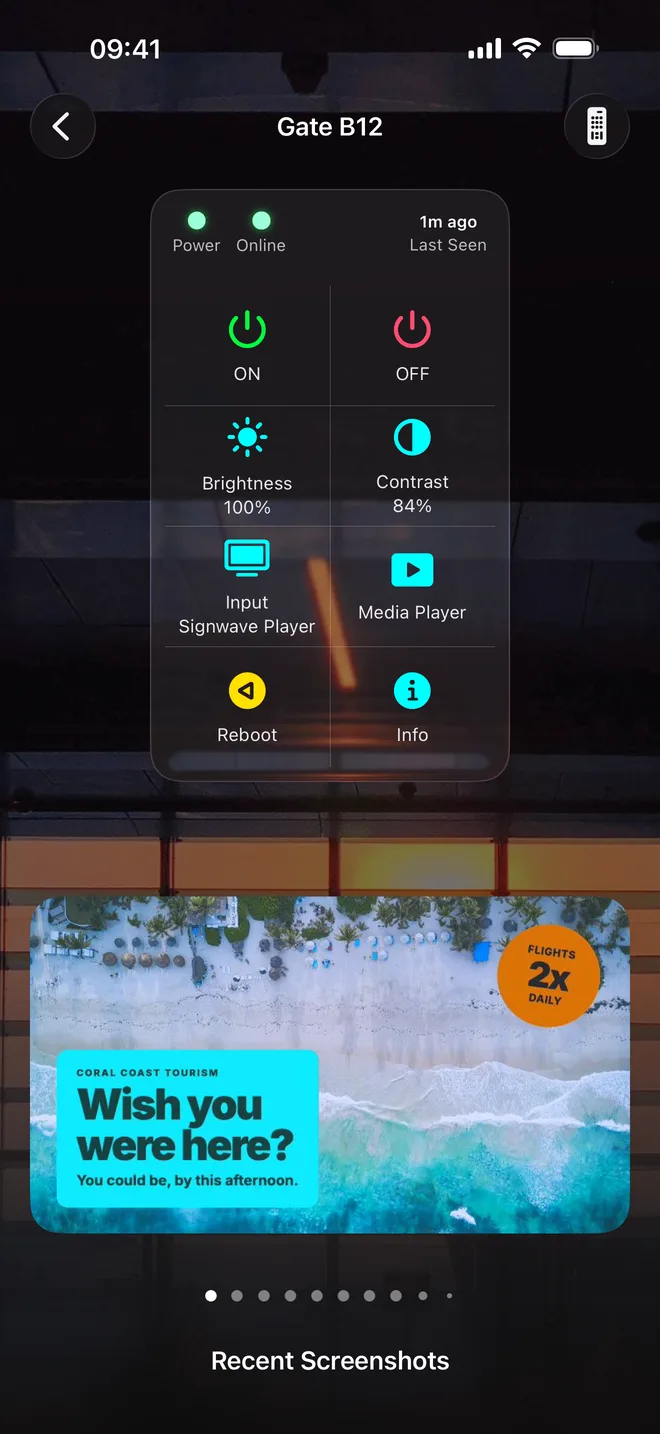
A simple remote, for a fleet of any size.
Signwave controls the players, video processors and signage displays as a single unit.
See what is on screen
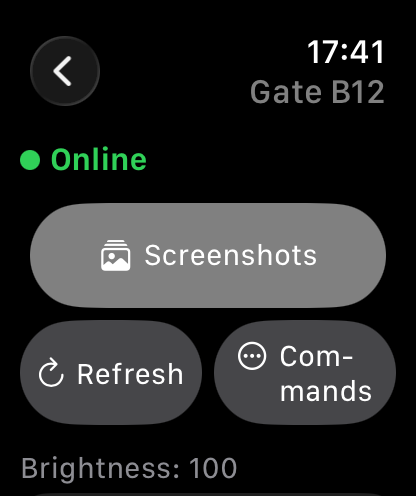
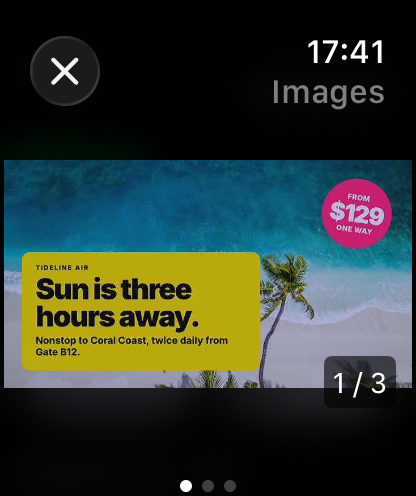
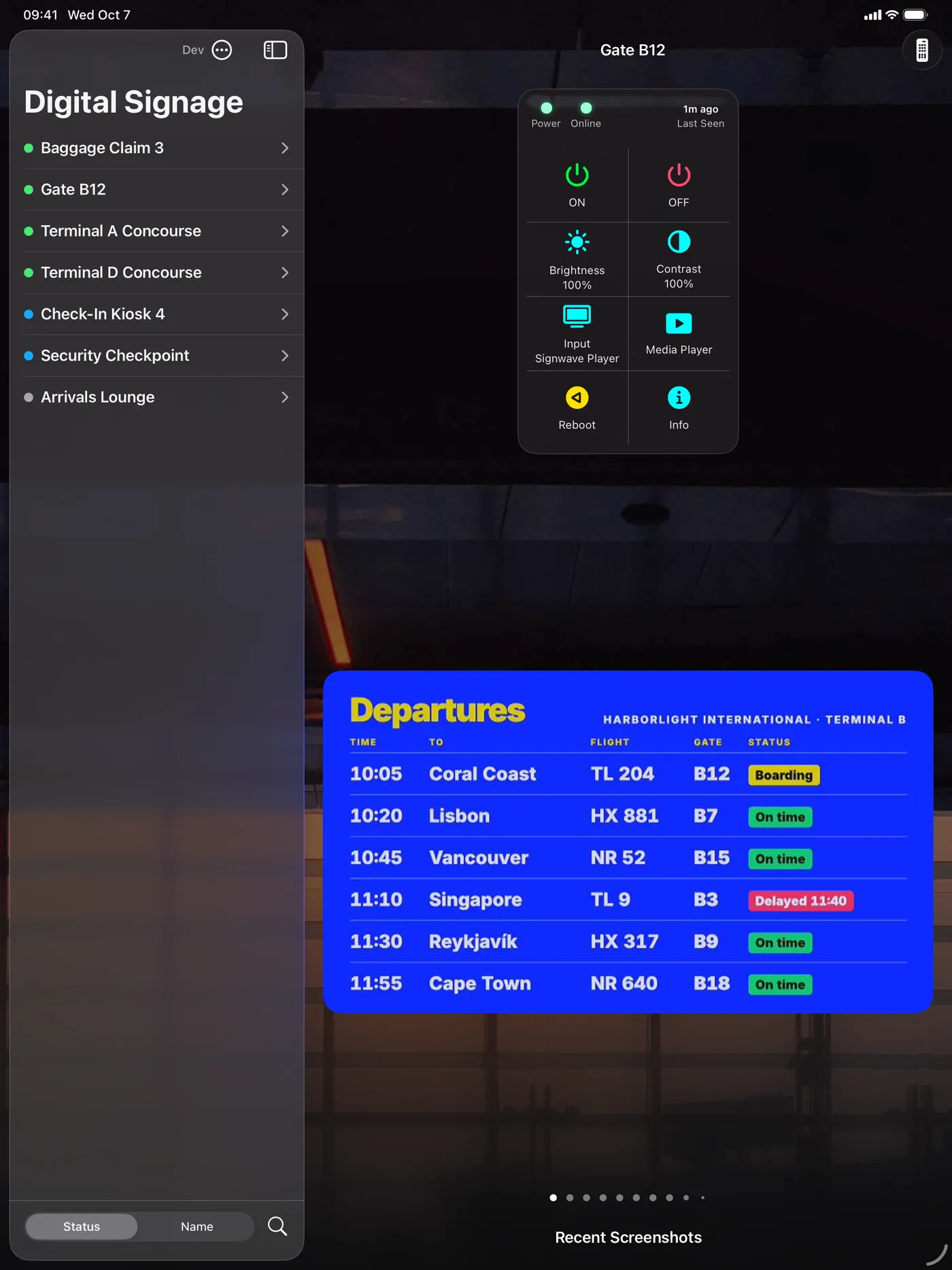
Each sign sends back recent screenshots. Swipe through them to confirm the right content is playing.
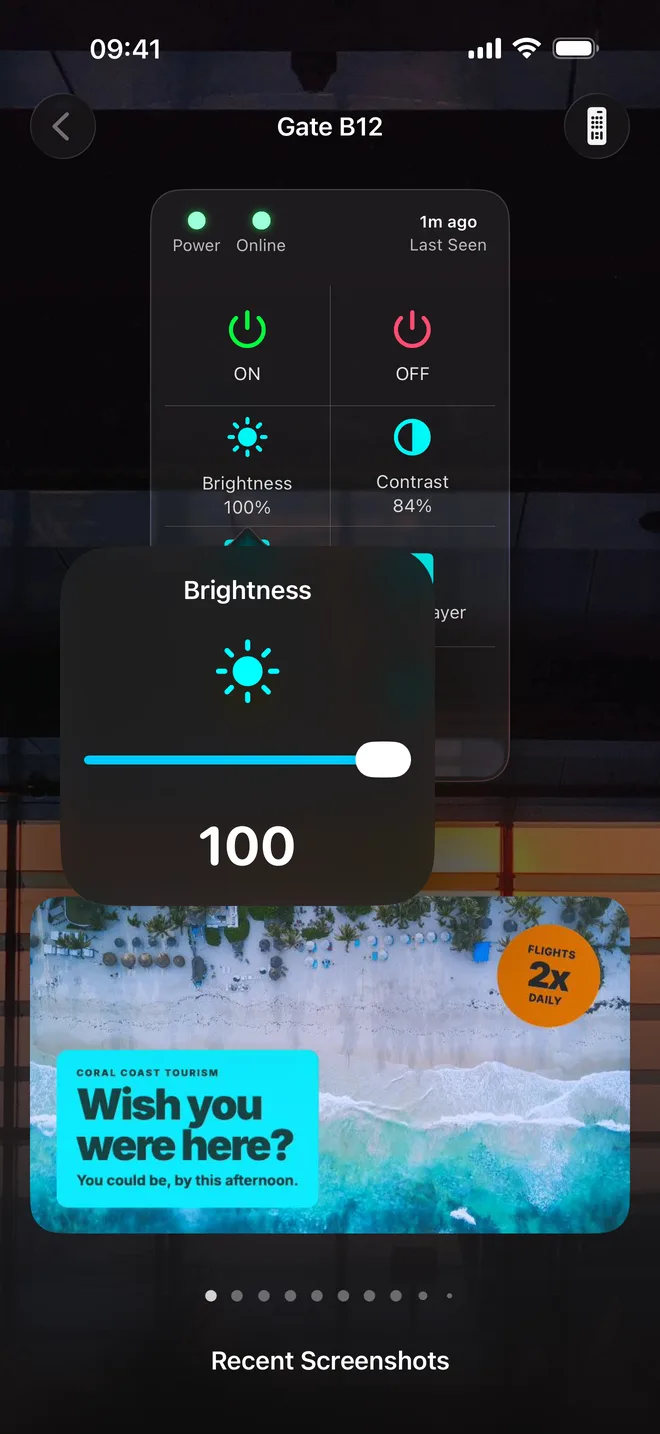
Power, brightness, contrast
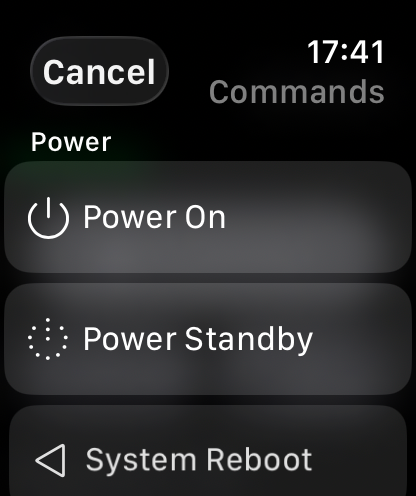
Turn a sign on or off and tune the picture with large sliders made for one handed use.
Input and reboot
Select input sources, or restart a player that has stopped responding.
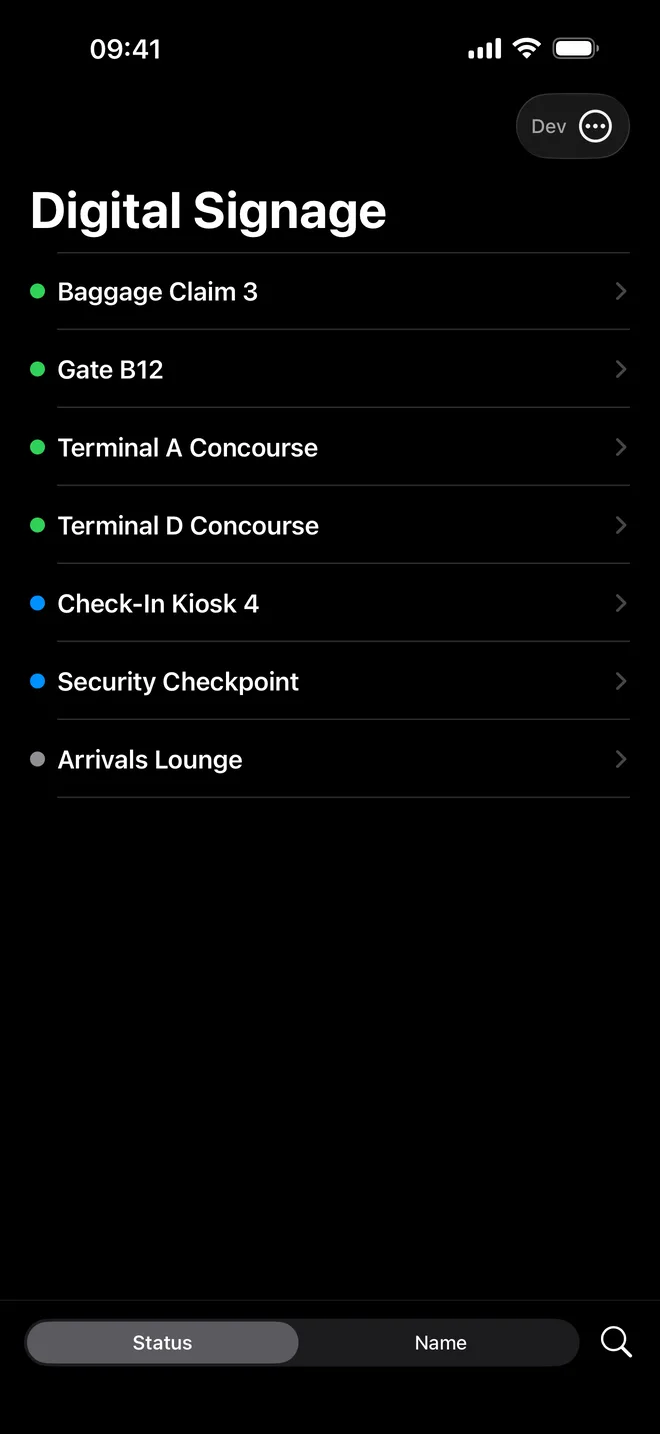
Status at a glance
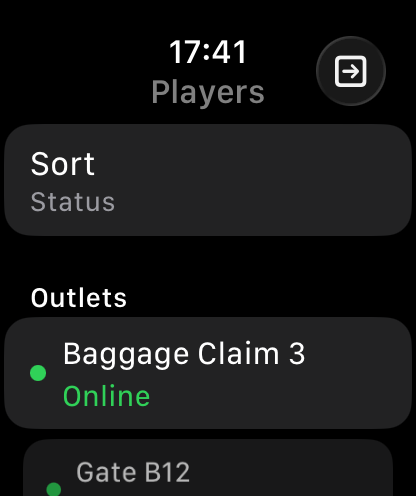
A colored dot beside every sign shows status and the time it last checked in.
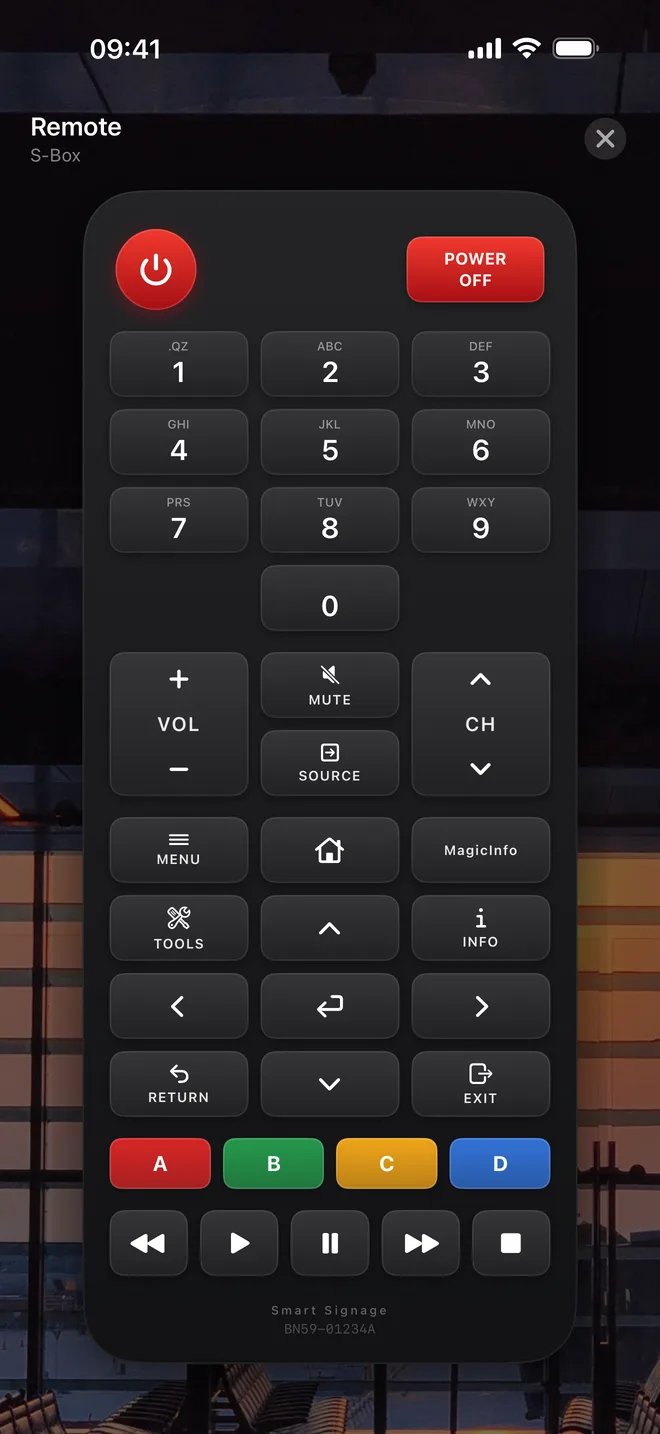
Full virtual remote
For supported devices, a complete on-screen keypad emulates the one from the factory.
Roles that match your team
Signwave makes it easy to delegate visibility and control to your staff and guests as you see fit.
One app, multiple organizations.
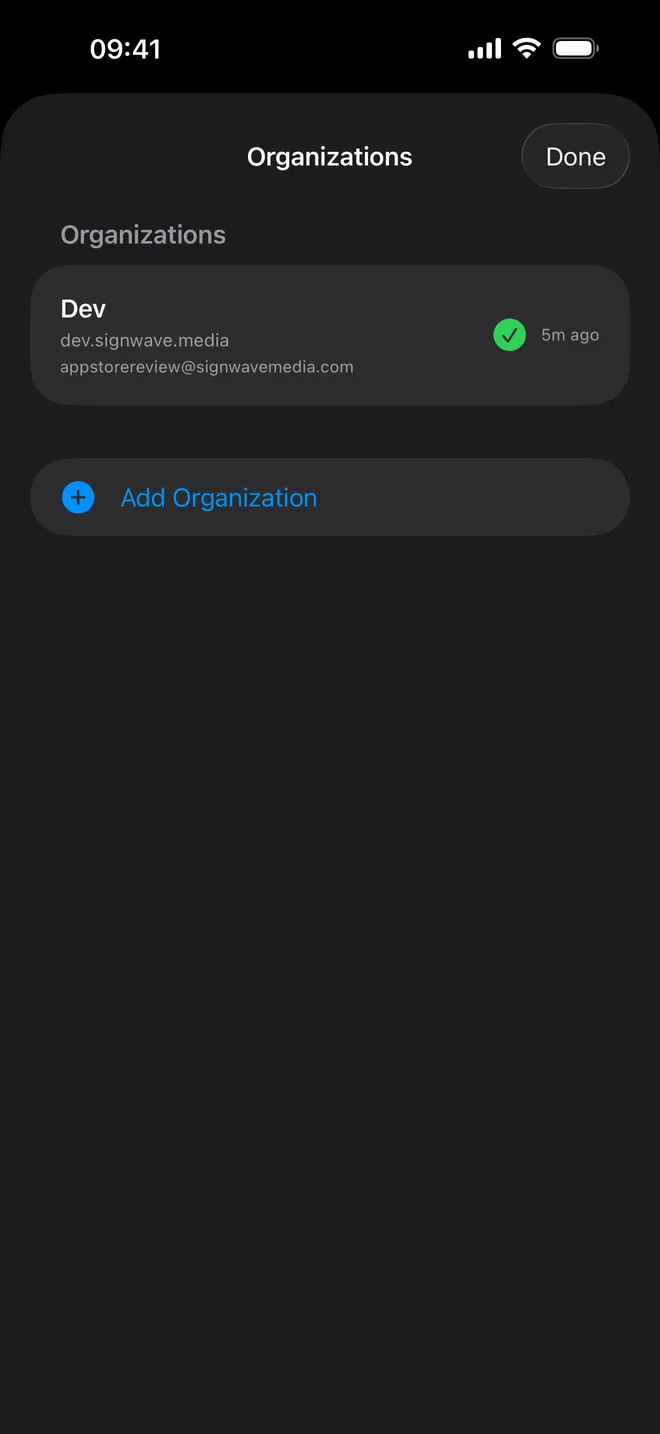
If you manage signage for several venues, add each one once and move between them without signing out.
- Separate sign-ins, kept separateEvery organization has its own account, stored securely on your device. One venue never sees another.
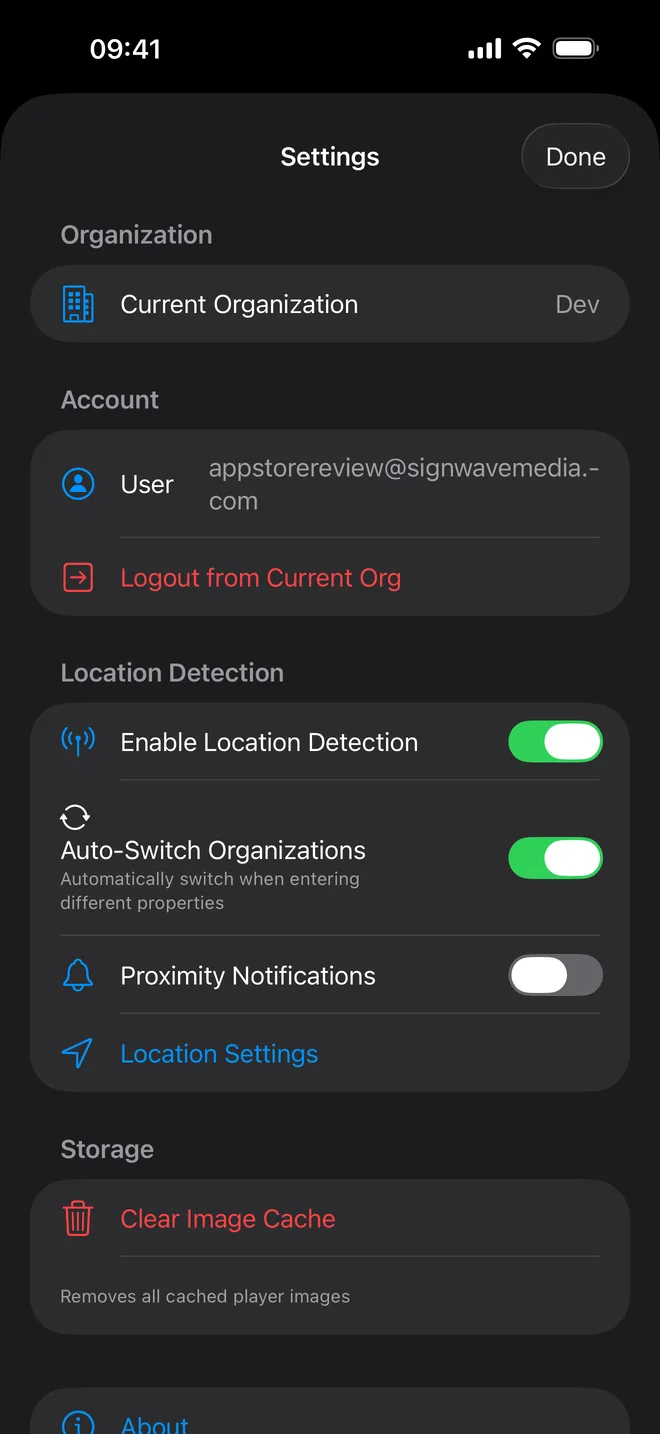
- Switches when you arriveWith location detection on, the app moves to the right organization as you walk into the property.
- Works with two-step sign-inAccounts protected by an authenticator code are supported.
- You stay in controlLocation detection, automatic switching and proximity notifications each have their own switch in Settings.
On iPhone and iPad.
The quick check, on your wrist.
The watch app uses your iPhone's sign-in, so there is nothing to type. See which signs are online, what's playing, and send the common commands.